
Microsoft Teams provides a shared digital space where staff across the school community can collaborate effectively, while Microsoft Whiteboard supports early‑stage thinking, planning and collective problem‑solving.
In schools, Teams is commonly used to host:
- Curriculum or pastoral project conversations
- Shared documents, policies, lesson materials and key links
- Ongoing updates, decisions and action tracking
- Collaboration between teaching teams, leadership groups and operational departments
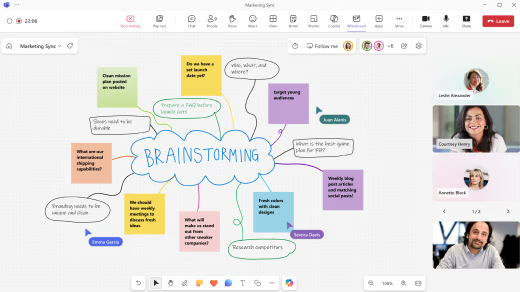
Whiteboard enhances this by giving staff a visual workspace for thinking together.
It is especially helpful when ideas are still developing or when contributions are needed from multiple roles across the school.
Typical school-based uses include:
- Planning meetings such as curriculum design sessions, intervention planning or behaviour strategy reviews
- Process mapping for safeguarding workflows, attendance procedures or parental communication pathways
- Brainstorming and prioritisation activities during INSET days or department meetings
- Cross-department collaboration, e.g. teachers, SEN teams and pastoral staff shaping support plans
- Operational planning, such as designing duty rotas, event logistics or improvement projects
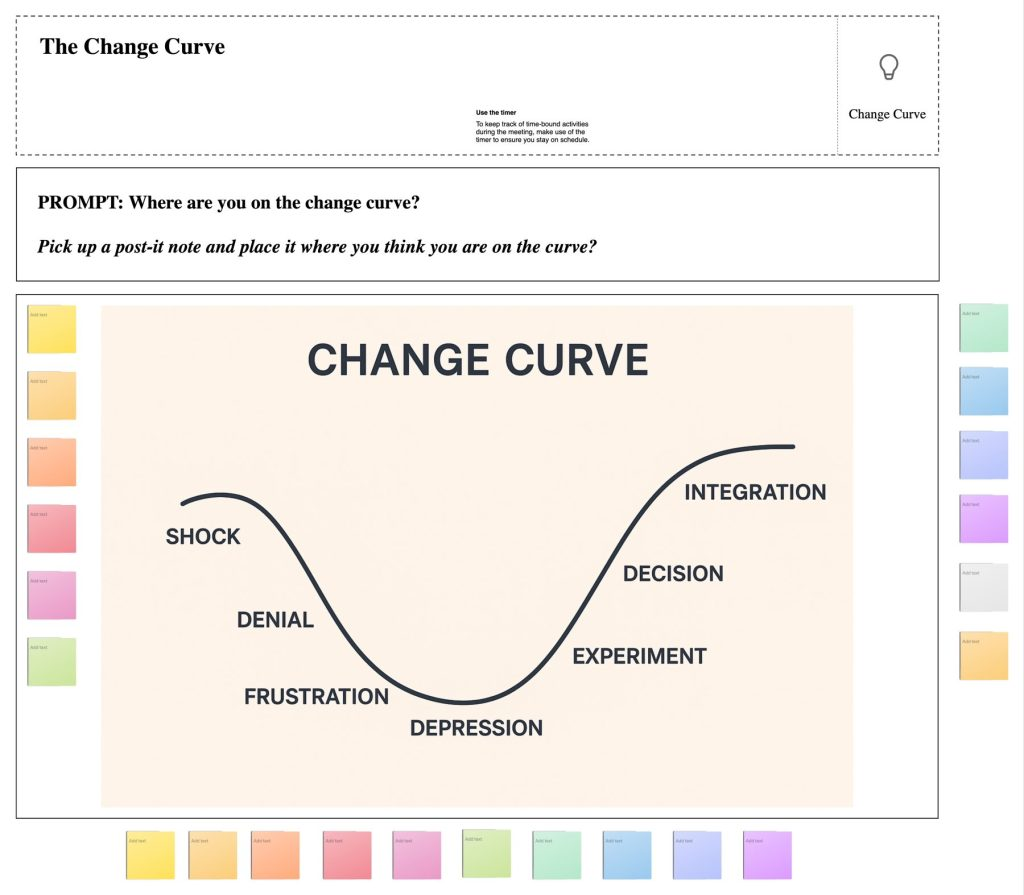
Whiteboard features such as sticky notes, templates, collaborative drawing tools and visual frameworks make it easy for all staff to contribute in real time, regardless of role, confidence with tech or seniority within the school.
Source: support.microsoft.com
Take a look at the video below to see the key uses and features of Microsoft Whiteboard.